DNS filtering as a service, with the visibility to see what it does
Set category policies per site, watch lookups and blocks live, give staff a PIN bypass, and keep logs you can export. We run the servers.
What you control
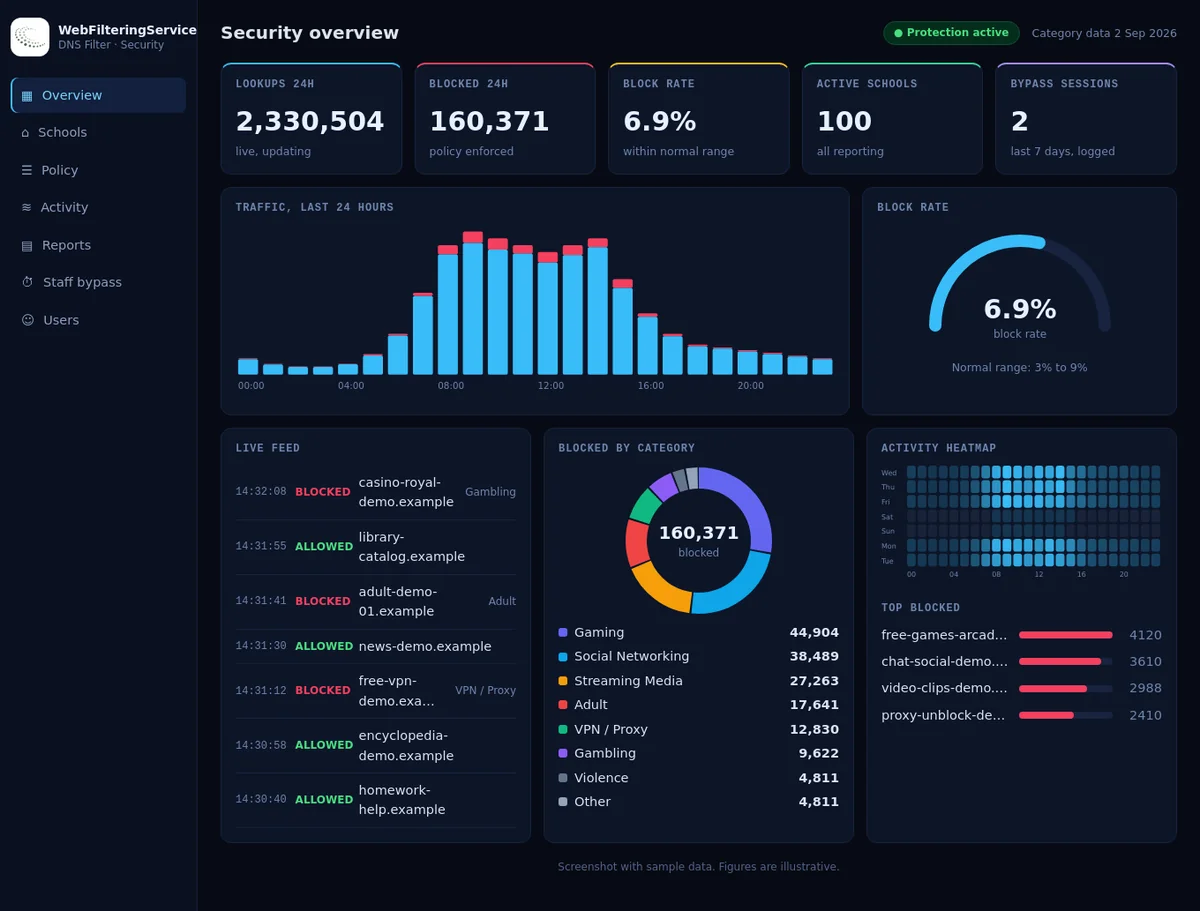
The filter decides on the domain name, before a connection is made. The dashboard shows each decision.
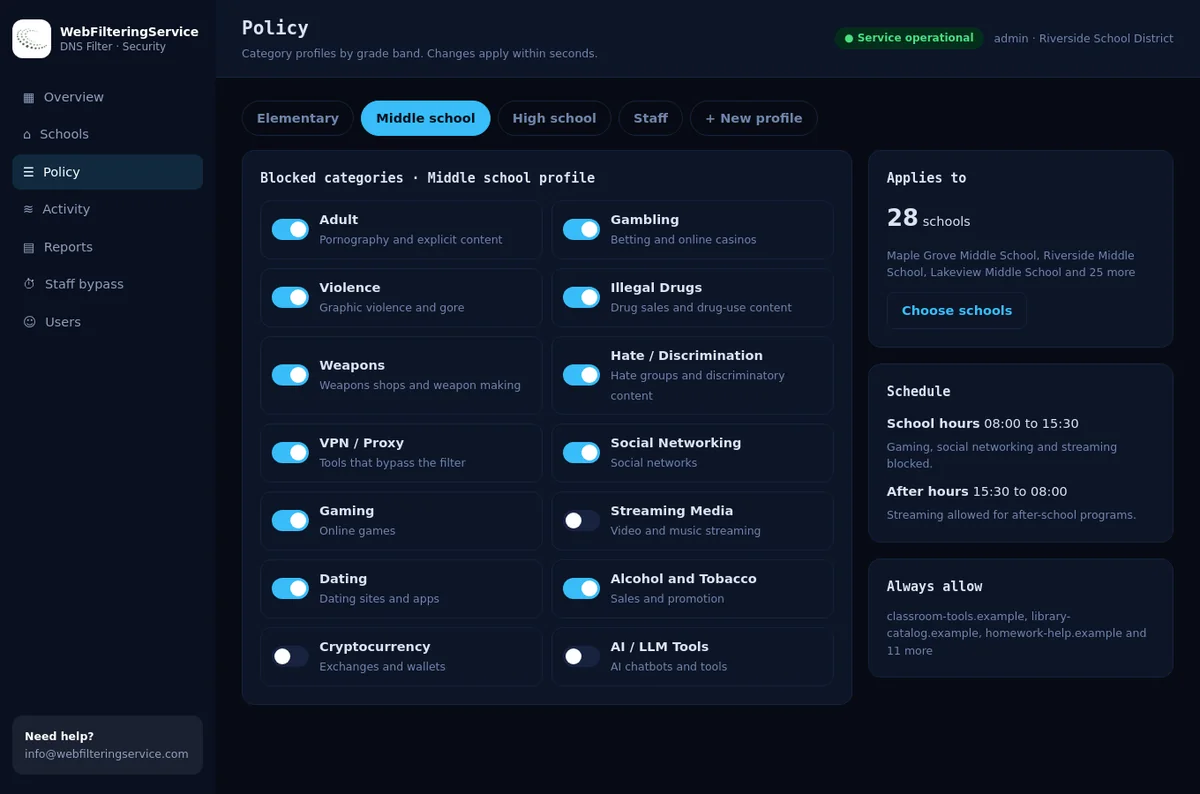
Categories per site
Pick from 23 blocking categories and add always-allow and always-block lists.
Live activity
Recent lookups, what was blocked and why, searchable by site name.
PIN bypass
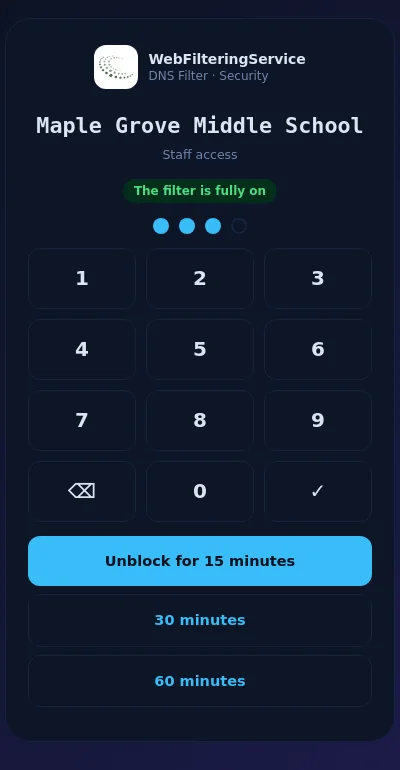
Authorized staff unblock adult categories for 15, 30 or 60 minutes. Logged, and reverts by itself.
Reports and exports
Printable reports and CSV downloads of blocked lookups and bypass use.
Inside the console
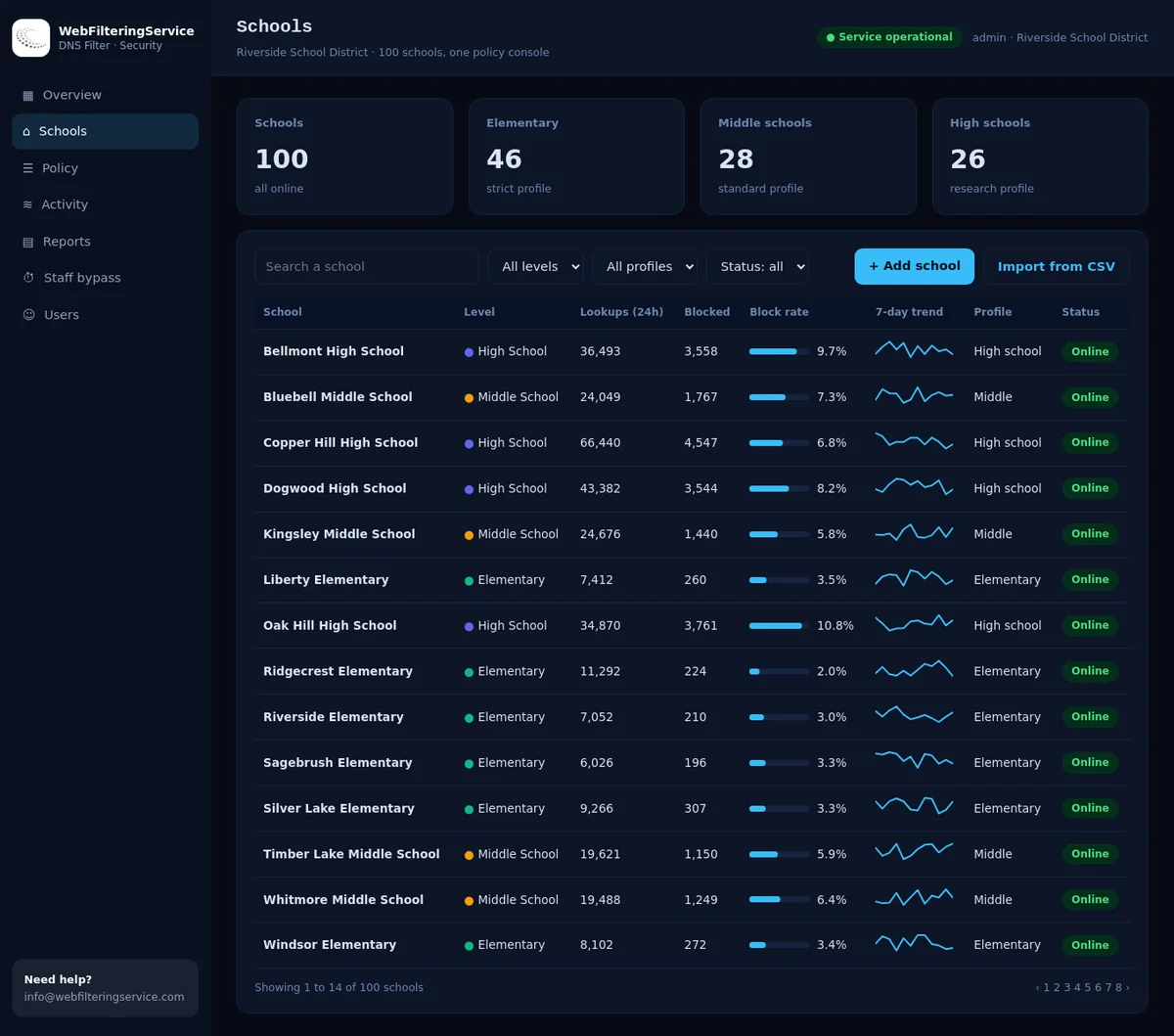
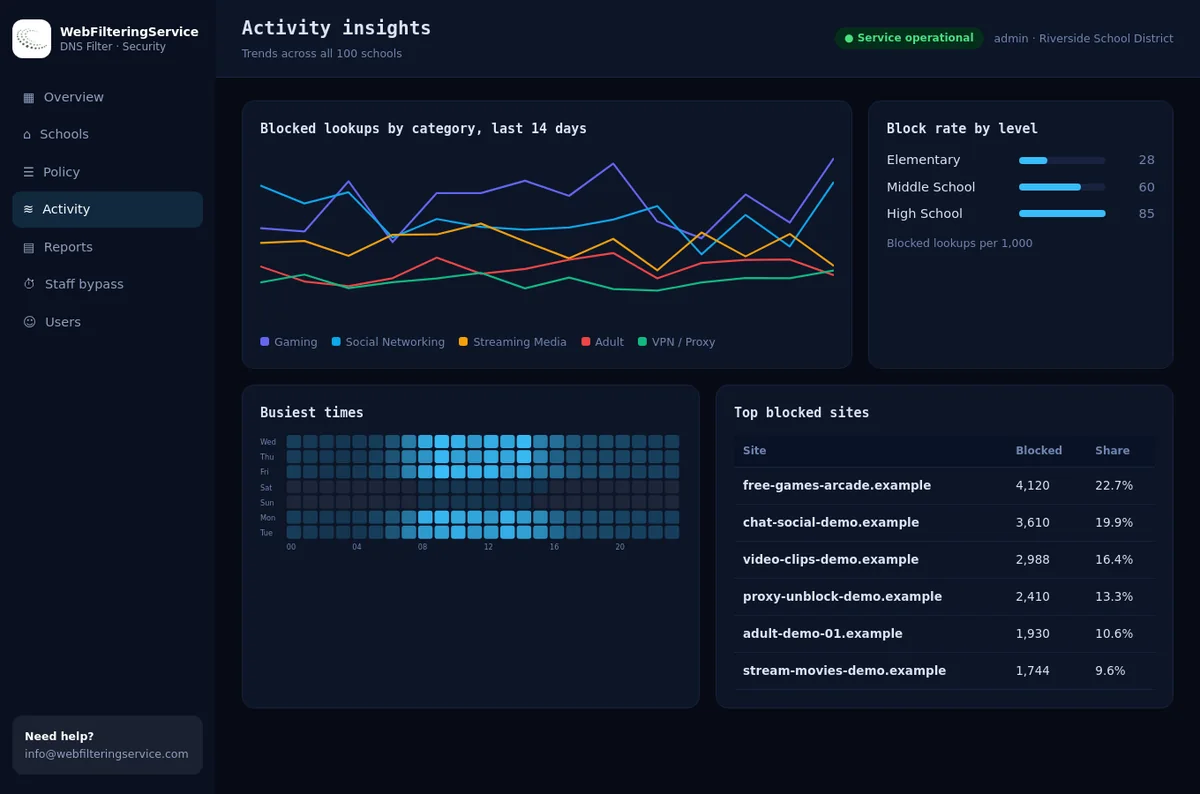
Screens with sample data for an organization of 100 sites.
Start in three steps
Your router or firewall is the only change on your side.
Register your network
Tell us your site's public address. We add it, and only registered networks can use the filter.
Point DNS at us
Set the DNS server on the router or firewall. Every device on the network follows.
Tune the policy
Start from a preset, then adjust categories and lists while you watch live activity.
Encrypted DNS for devices anywhere
Some networks redirect or block ordinary DNS. Give a device a private encrypted link and it uses your policy on any network.
It works in the browser's secure DNS setting, and as a profile on Macs, iPhones and iPads. Staff use the bypass page from any phone.
Plans
Pricing depends on the number of sites and devices. Tell us about your setup and we will send a quote.
Team
One site or a small organization.
- Category policy with presets
- Staff PIN bypass
- Activity log and reports
Organization
Many sites managed from one console.
- One console for every site
- Policy and staff PIN per site
- Insights across sites
Provider
Managed service providers filtering for their customers.
- Several customers in one console
- Separate policy per customer
- Help with onboarding
A pilot on one or two sites is available before you decide.
Questions
The short versions.
What does the filter look at?
The domain name a device asks for. It blocks the name before a connection is made, so it does not read pages or traffic.
What happens to HTTPS sites that are blocked?
The site does not load. A browser may show a connection or certificate warning instead of a friendly page, which is normal for any DNS filter.
Can we use it without changing the router?
Yes, on individual devices, with the private encrypted link in the browser or as a profile on Apple devices.
Is there a pilot?
Yes, on one or two sites. Contact us with your number of sites and devices.